
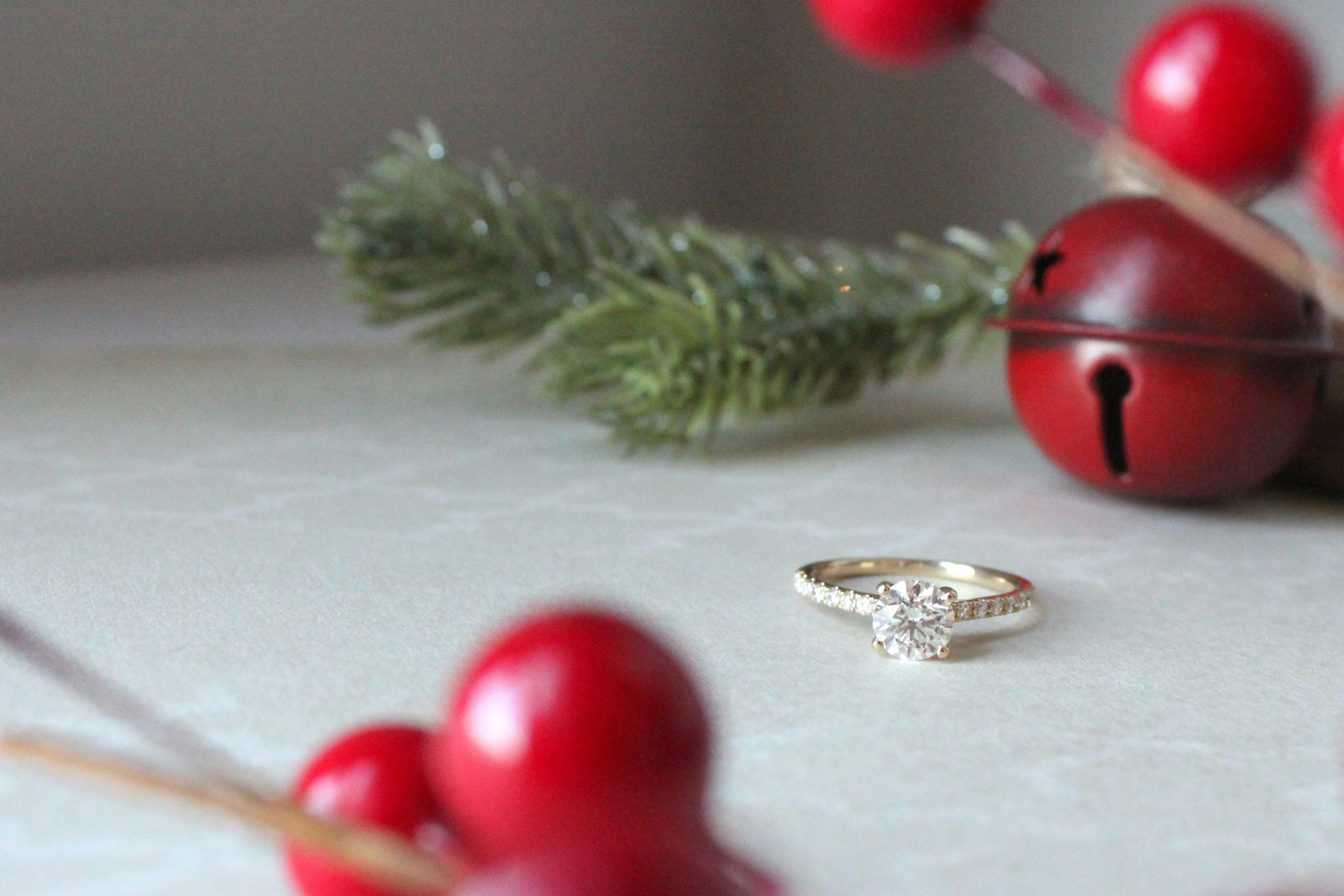
Table of Contents
- What makes a Jewelry Photo Instagrammable?
- Simple 3-Step Guide to Jewelry Photo Editing
- Final Thoughts
Content is king in the age of social media, and when it comes to jewelry, knowing how to edit jewelry photos for Instagram is everything. With thousands of brands competing for attention especially during major retail moments like Black Friday, the quickest way to stand out is with photos and videos that are clear, detailed, and irresistibly scroll-stopping.
Jewelry photography is notoriously difficult to master, even with professional photography guides, and tools such as the GemLightBox and the GemCamPro, one must still edit jewelry photos for Instagram.
Luckily, jewelry photo retouching apps such as the new GemStudio can reduce your editing time using first-in-market AI technology, providing you with templates and shortcuts to create amazing content that upgrades your product catalog.

What makes a Jewelry Photo Instagrammable?
Jewelry buyers rely heavily on visuals, so presenting clean, accurate photos creates credibility and increases conversions. Equipped with your excellent lighting setup with the GemLightbox Pro, your jewelry photos may only require a small sprinkle of magic to be scroll-stopping on social media apps like Instagram.
Luckily, jewelry photo retouching apps such as the new GemStudio can reduce your editing time using first-in-market AI technology, providing you with templates and shortcuts to create amazing content that upgrades your product catalog. Without the need to buy festive decoration and hire external models, achieve stunning lifestyle images highlighting your pieces in different settings with the GemStudio.
3-Step Guide to Quickly Edit Jewelry photos for Instagram
Step 1: Take Your Jewelry Photo
Your jewelry photo retouching results will only be as good as your raw photo. Whether you are using a traditional photography setup, or saving yourself time and energy by using a Jewelry Lightbox that ensures consistent lighting, the first step is to take a good quality photo that already has lesser adjustments to fix to begin with.
5 Factors that affect Raw Image Quality
Small imperfections like dust, micro-scratches, uneven lighting, or unwanted reflections can shift attention away from your jewelry. Edit jewelry photos for Instagram by removing these distractions makes your product look more appealing and encourages customers to browse your catalog.
When taking your raw photos, remember to maintain these factors to ensure high quality assets:
- Empty, uncluttered background
- Consistent Background Lighting
- Same Camera Angle Throughout
- Clean Jewelry Pieces
- Dusted Lenses and Light source
Tip: To Increase the sparkle on your pieces, consider using the GemSparkle to bring out the natural fire of your pieces in your photos just as it looks in real life. With fully adjustable color temperature from 3000K to 6500K, GemSparkle adapts effortlessly to showcase diamonds, gold, and every gemstone in between to capture the true colours and flawless brilliance of your pieces.
This Black Friday Week, enjoy an exclusive offer on the GemSparkle to experience the difference for yourself.

Step 2: Edit Jewelry Photos With GemStudio
Built specifically for jewelers, GemStudio transforms a standard product photo into a high-end, on-brand visual asset ready for ecommerce, social media, or marketing.
With just one click of a button, you can create extraordinary, realistic looking jewelry photography edits:
- Generate editorial-quality visuals of AI Jewelry models for your pieces in different styles
- Create natural, aspirational scenes without the need for props or backdrops.
- Remove dust, refine color balance, enhance clarity
- isolate backgrounds instantly for a clean, professional look (if needed)
In the current festive season, the GemStudio has holiday content templates suitable for all sorts of social content that drives consideration and conversion for your Black Friday or holiday limited edition pieces.
Step 3: Crop and Adjust Aspect Ratio
Different social media platforms have different posting requirements for their content in terms of sizes, and you should optimize your content sizes especially when running Black Friday or Holiday Discount Ads.
For an easy reference, the recommended sizes for each platform is as follows:
- Square (1:1) – Ideal for Instagram feed posts
- Vertical (4:5) – Best for product listings or detail shots
- Wide (16:9) – Perfect for website banners or hero images
After you have cropped your image or videos to the desired sizes, export your final image at high resolution to ensure the details of your piece can be properly highlighted to your audience.
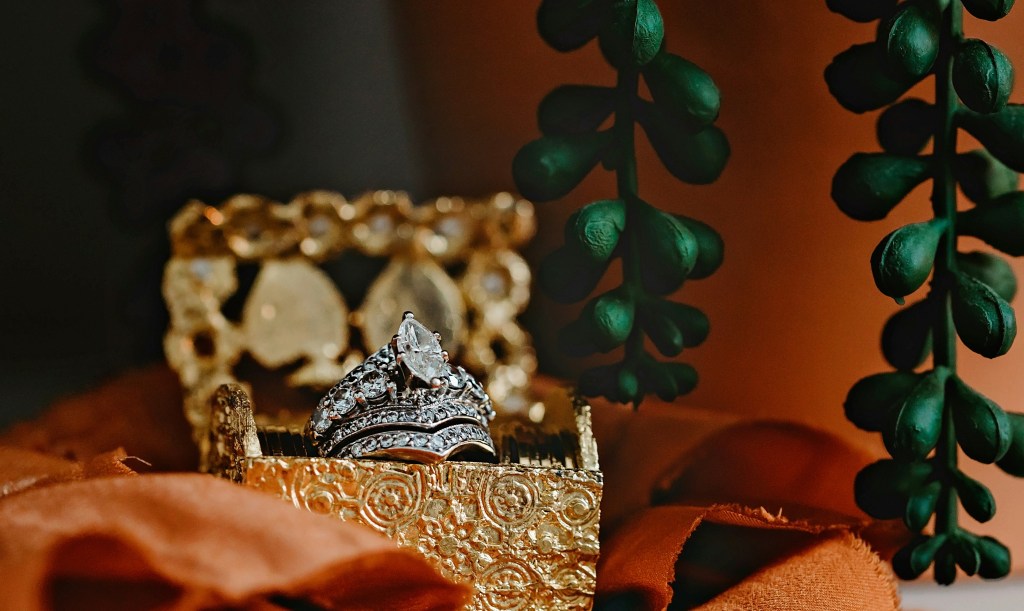
Black Friday Week Exclusives
Mastering jewelry photo retouching doesn’t have to be complicated. With a powerful AI editing app like GemStudio, you can create professional, Instagram-ready visuals in minutes; helping you attract more customers, strengthen your online presence, and boost conversion sales.
We trust that these tips will prove useful to increase your holiday sales revenue in the festive season by attracting more customers into your online store from your social media page, good luck and happy editing.
For those who are looking to elevate their jewelry photography further, check out our Exclusive Black Friday Offer for this week, to experience the difference in the world’s leading jewelry photography lighting today.

Leave a Reply